Problems Installing Euro. [All In Here]

-
Spanktastik

- Active Member
- Posts: 689
- Joined: Fri Feb 02, 2007 9:01 pm
- Quick Reply: Yes
- Location: Xian
INSPECTION NOTICE FIX
INSPECTION NOTICE FIX
This is caused by abnormal clients. If you bot or have botted in the past (no accusations, no confessions plz) you may want to completely uninstall your bot / silkroad from your computer along with any other files that may not be in your silkroad folder that your bot left behind. One that a friend of mine figured out (yes he botted) is going into your "C:\WINDOWS\system32\drivers\etc" folder, right click "hosts" and edit in notepad. Get rid of anything under the "localhost" line. If you have anything in there for other games, just delete the stuff for silkroad.
Hope this helps.
This is caused by abnormal clients. If you bot or have botted in the past (no accusations, no confessions plz) you may want to completely uninstall your bot / silkroad from your computer along with any other files that may not be in your silkroad folder that your bot left behind. One that a friend of mine figured out (yes he botted) is going into your "C:\WINDOWS\system32\drivers\etc" folder, right click "hosts" and edit in notepad. Get rid of anything under the "localhost" line. If you have anything in there for other games, just delete the stuff for silkroad.
Hope this helps.

Forever an Avalonian.
-
Spanktastik
- Active Member
- Posts: 689
- Joined: Fri Feb 02, 2007 9:01 pm
- Quick Reply: Yes
- Location: Xian

omfg... i downloaded it from filefront THREE times..
i still get the "client is damaged blah blah blah"
what the heck is wrong?
i still get the "client is damaged blah blah blah"
what the heck is wrong?


http://www.rev6.com/player.asp?id=47429
Famous quotations are for people who have nothing of their own to say, so be sure to use a lot of them. -The Onion
-
DeepEvil

- Valued Member
- Posts: 427
- Joined: Sun Apr 29, 2007 10:04 am
- Quick Reply: Yes
- Location: Somewhere Guuuuuuud!!!
http://www.bitnova.com > search silkroad
i downloaded the europe client from there,,,
hmm about the speed is unbalanced,so it was done in like 6-7 hours
i downloaded the europe client from there,,,
hmm about the speed is unbalanced,so it was done in like 6-7 hours

Contentment is a treasure that always remain to be worthy
Re: INSPECTION NOTICE FIX
Spanktastik wrote:INSPECTION NOTICE FIX
This is caused by abnormal clients. If you bot or have botted in the past (no accusations, no confessions plz) you may want to completely uninstall your bot / silkroad from your computer along with any other files that may not be in your silkroad folder that your bot left behind. One that a friend of mine figured out (yes he botted) is going into your "C:\WINDOWS\system32\drivers\etc" folder, right click "hosts" and edit in notepad. Get rid of anything under the "localhost" line. If you have anything in there for other games, just delete the stuff for silkroad.
Hope this helps.
yay! it worked! ^^


-
Burningwolf

- Addicted Member
- Posts: 2583
- Joined: Fri Jun 29, 2007 1:14 am
- Location: :|
-
Glavie's Girl

- Frequent Member
- Posts: 1464
- Joined: Wed Jun 20, 2007 4:33 pm
- Quick Reply: Yes
- Location: Aege
-
Burningwolf
- Addicted Member
- Posts: 2583
- Joined: Fri Jun 29, 2007 1:14 am
- Location: :|
-
Glavie's Girl
- Frequent Member
- Posts: 1464
- Joined: Wed Jun 20, 2007 4:33 pm
- Quick Reply: Yes
- Location: Aege

-
Burningwolf
- Addicted Member
- Posts: 2583
- Joined: Fri Jun 29, 2007 1:14 am
- Location: :|
:banghead:
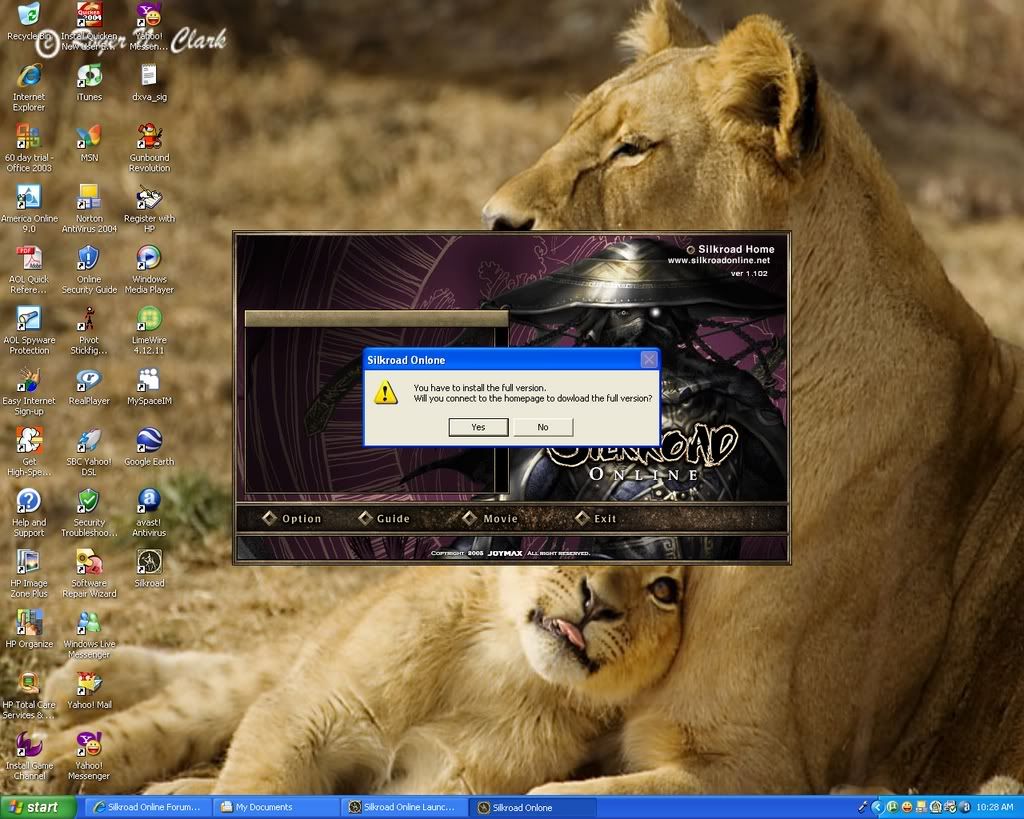
i keep gettting the "this is a client file that can be used after the euro update"? i dont know why it keeps saying this when ever i try to install!  any 1 had this or know a fix. thanks
any 1 had this or know a fix. thanks-
ssjkakarot

- Regular Member
- Posts: 248
- Joined: Tue Jun 27, 2006 12:12 am
- Quick Reply: Yes
- Location: Xian


ssjkakarot wrote:BakaFish wrote:[pic]
ya i get that same problem. It goes allright uptill the point u click on start, after selecting the directory. Then it stops and that screen comes up. ANY1 plz help?
i had this problem. it wouldnt install on C: or D: so i tried on F: which is my removable disk and it worked. but i cant get into game anyways. dunno what the FK.
BlackFox wrote:think the negative really dont.
-
ssjkakarot
- Regular Member
- Posts: 248
- Joined: Tue Jun 27, 2006 12:12 am
- Quick Reply: Yes
- Location: Xian


 i dont understand !?!? anyone help? Thanks
-
battlingpig
- Casual Member
- Posts: 63
- Joined: Fri Sep 22, 2006 8:47 pm
not possable to install
Ok i had to uninstall chinese sro yesterday for clearing space.. nothing to do with todays euro client.
this is what happens
i install chinese sro
i start installing euro patch
i get message. 'silkroad already installed. delete and reinstall?' (i click yes)
i get this message telling me silk road installer has had to close. save any unsaved work and click continue...
what does this mean?
i also tried installing the sro patch on its own and it doesnt work either, same message
this is what happens
i install chinese sro
i start installing euro patch
i get message. 'silkroad already installed. delete and reinstall?' (i click yes)
i get this message telling me silk road installer has had to close. save any unsaved work and click continue...
what does this mean?
i also tried installing the sro patch on its own and it doesnt work either, same message
-
Itonami
- Veteran Member
- Posts: 3182
- Joined: Fri Mar 30, 2007 5:36 pm
- Quick Reply: Yes
- Location: Babel
For those who get 'Cannot install Program' errors, please add .exe to the client name.
Your client name should be SilkroadOnline_GlobalOffi0.exe if you downloaded it from filefront (which seems to have the highest install success rate <.<).
Server inspection errors are currently under work..
Close the client, press ok. Restart your computer, make sure your internet is connected and that you have a good signal. Open the launcher in your silkroad folder itself instead of the desktop shortcut. This is working for some people.
Disconnections and crashes are being worked on at the moment, i'm sure
Your client name should be SilkroadOnline_GlobalOffi0.exe if you downloaded it from filefront (which seems to have the highest install success rate <.<).
Server inspection errors are currently under work..
Close the client, press ok. Restart your computer, make sure your internet is connected and that you have a good signal. Open the launcher in your silkroad folder itself instead of the desktop shortcut. This is working for some people.
Disconnections and crashes are being worked on at the moment, i'm sure
<<banned from SRF for proof of botting. -SG>>
-
skyline12340

- Hi, I'm New Here
- Posts: 14
- Joined: Mon Jul 17, 2006 12:34 am
- Quick Reply: Yes
- Location: Oasis
- Contact:
Alright,my Please wait box starts up right.then it just turns into a blank grey box. i check my windows task manager and it has the same memory usage for about 2 hours (8,448). and ive rebooted,re-tried to install re-downloaded. i have the mirror dl's and the u-torrent one.Been trying to fix this all day.I've deleted all joymax/silkroad related Registries and etc. If anyone can help would be nice if u can do it soon.


Woot! Awesome!
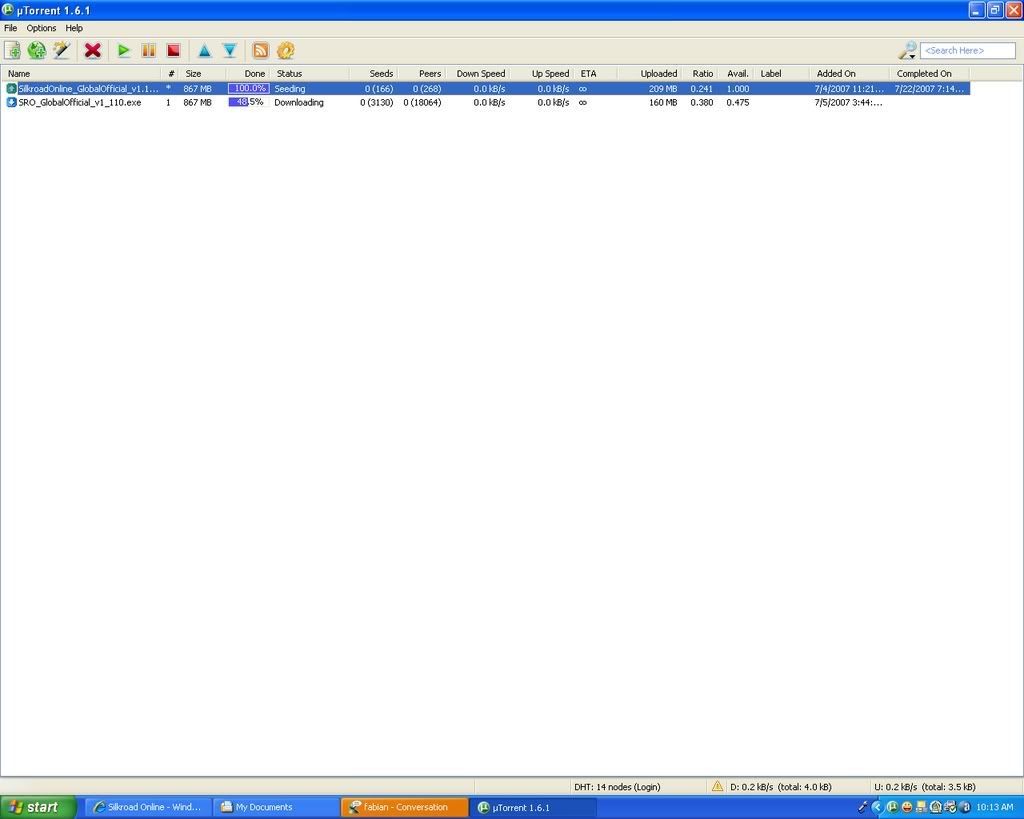
Just finished my second download (grabbed the utorrent one, as well as the filefront one) and its still saying that "this is a client file that can only be used after the Europe update blah blah blah blah blah"
Tried:
sro deleted
no firewall
no router
no av
Worked perfectly on my laptop...but unbearable to play.
Yay
EDIT:
ummmm..ok...yea
So the pc that i am is not protected in any way other than AV. No router, firewall etc. The update would NOT run.
So i tried plugging this machine into my router. Bam, install started right away and im good to go.
Just finished my second download (grabbed the utorrent one, as well as the filefront one) and its still saying that "this is a client file that can only be used after the Europe update blah blah blah blah blah"
Tried:
sro deleted
no firewall
no router
no av
Worked perfectly on my laptop...but unbearable to play.
Yay
EDIT:
ummmm..ok...yea
So the pc that i am is not protected in any way other than AV. No router, firewall etc. The update would NOT run.
So i tried plugging this machine into my router. Bam, install started right away and im good to go.
WTF Do All Those Stats Mean??? <--- CLICK ME NOW!