Digital art design, renderings, signatures and anything art related. Upload pictures of your newest work or ask for feedback. Post graphics requests or discuss art in general.
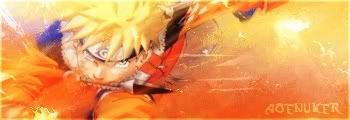
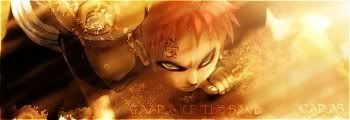
yea you definately did alot to it. curious as to what but a lot of lighting effects it seems which make it sweet. very nice job. care to link to a tutorial? Im trying to improve my poopyness of my signatures
Lol theres no lighting effects in there at all. And I've never made a tutorial but I think I could try.. I dont remember most of it but I was just doing whatever was lookin good. >.<
Ok, I think I could make a tutorial on just how to tweak the render.. If you guys want it I could do it. But its gonna be for GIMP, im not sure if it will work with ps.
If you have a render with dull colors that you want to spice up a bit it's pretty easy in PS.
Duplicate your render, Gaussian Blur it at around 3-4, then set it to Overlay and voila.
It won't work with every single render you use but if yours looks a little bland and the colors look a bit flat try it out and see if you like it. You can also mess with the blur settings and the blending modes.
lol i meant any tutorials you used since you said you learned some things to do to the pic. and when i said lighting effects, i just meant that it lit up certain areas lol. Anyways, snazzy stuff.
Rockshmo wrote:If you have a render with dull colors that you want to spice up a bit it's pretty easy in PS.
Duplicate your render, Gaussian Blur it at around 3-4, then set it to Overlay and voila.
It won't work with every single render you use but if yours looks a little bland and the colors look a bit flat try it out and see if you like it. You can also mess with the blur settings and the blending modes.
You can also just create your own Levels mask using a command selection of your path/outline.
Caras wrote:I dont know any lighting effects tutorials.
gah. no....ok im just gonna say if you used any tutorials to maybe show us the links cause im interested. you seem to not get what i meant before so try that. and pimp avatar.


 [Scoundrels]


 much appreciated.