Page 1 of 1
If You are getting the ??? err Do this...
Posted: Tue Feb 21, 2006 9:45 am
by Shoon
-go to your control panel
-select reginal and language option
-click on the advance tab (3rd tab)
-first area (titled "Language for non-unicode Programs") pull the drop down menu and select Korea (you might have to install the language from your windows disk) then reboot
-You should now be able to log into the game
*NOTE* This will not mess up your system. It just tells the computer that you have some non-traditional proggies and to look for them.
Posted: Tue Feb 21, 2006 9:47 am
by yoob
So you have to turn into a korean in order to play the game now?
Gotta start eating cats
Posted: Tue Feb 21, 2006 9:52 am
by matt388
r u shure i dont want to screw up my new laptop this sounds like it will change the whole comp to korean!
Posted: Tue Feb 21, 2006 9:53 am
by Moogie
This doesn't work, nor does rebooting your computer, nor does re-downloading the game, nor does re-installing the game.
There is nothing you can do but wait.
Don't let people convince you to muck around with things like this, especially if you arn't confident with what you're doing.

Posted: Tue Feb 21, 2006 9:54 am
by Shoon
Yes
It will not mess anything up hehe. And once they fix it...just change it back (or leave it). It won't mess anything up.
Posted: Tue Feb 21, 2006 9:55 am
by Shoon
Moogie, come to chat, other people have tried it and it works.
Posted: Tue Feb 21, 2006 10:09 am
by RaiKiRii
works but taking longer than usual to laod..
Posted: Tue Feb 21, 2006 10:11 am
by Shoon
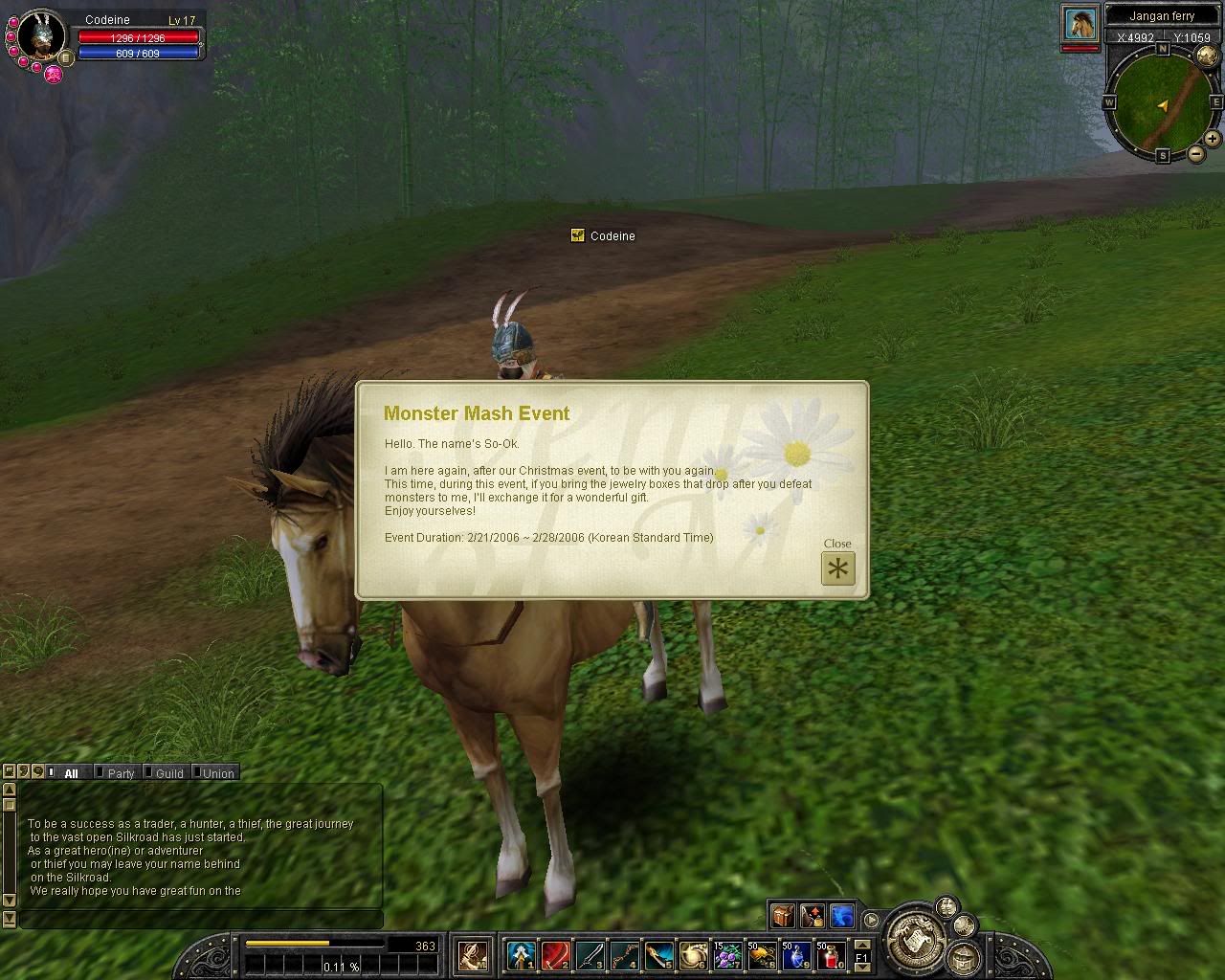
Here's an image after using the process stated above:
http://i49.photobucket.com/albums/f300/ ... OShoon.jpg
Posted: Tue Feb 21, 2006 10:42 am
by Stallowned
So does anybody konw of anyone that actually can get on?
Posted: Tue Feb 21, 2006 11:09 am
by Shoon
banzaimonkey made a sticky in the tech forum with cleaner and "more pretty" instructions

Go here if you still can't figure it out:
http://www.silkroadforums.com/viewtopic.php?t=964
Posted: Thu Apr 20, 2006 2:26 am
by M4l3x
This doesn't work, nor does rebooting your computer, nor does re-downloading the game, nor does re-installing the game.
There is nothing you can do but wait.
That is right, you DO NOT need to change your language settings...