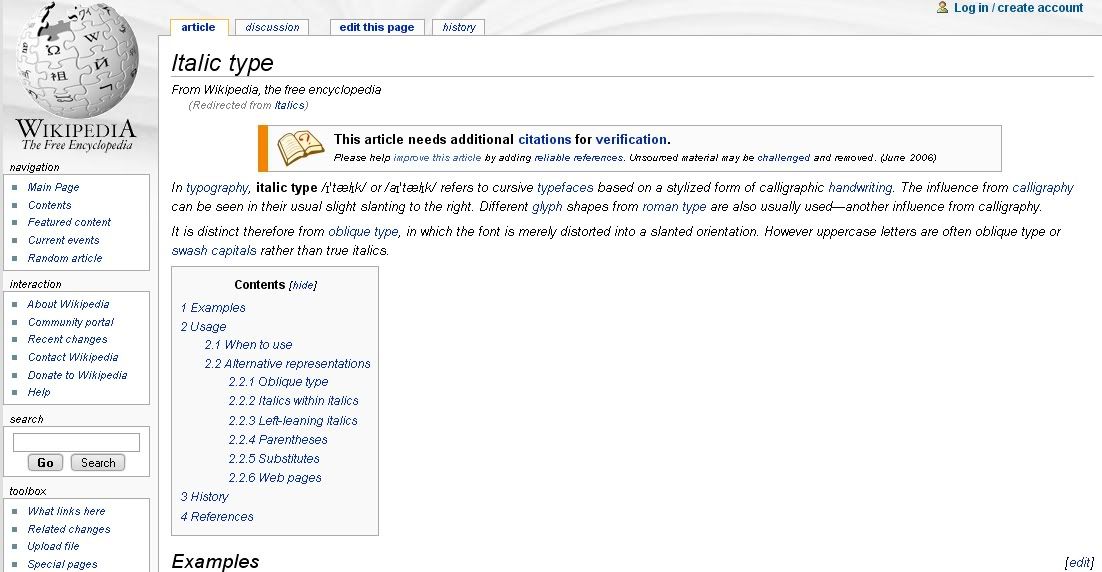
that is what it looks like in most places i go. some places it looks fine, but in others all of the text is in italics, making it hard to read in some cases, anyone know how to fix it?




Code: Select all
I found a solution to this which I believe should work for most of you. First find out which font is being shown in italics. For me it was Arial, but it is likely to be Courier New or Times New Roman. Then go to Control Panel and copy-paste these font files to your desktop (or any other location) After you back them up, delete the files in the Fonts folder in Control panel. Reboot, if required (in my case was not required) and then reinstall the fonts back from desktop (or wherever else you backed them up) The way you reinstall fonts is to copy them back into the fonts folder in Control panel. Windows XP will reinstall automatically. This should fix this random bug.
Code: Select all
The easiest way to handle this (in my case, anyway) was to open Control Panel -> Fonts, and drag arial.ttf from the fonts listing to the Windows desktop. Then drag it right back into the Fonts (hence reinstalling it) and everything should be fine. YMMV. Code: Select all
The key is to see which font is being italicized. If it's Arial (as is in this case) then the Arial font file was corrupted and it resorted to the next best thing, italics.

You can Google search "download Microsoft core font" and you'll get some links. One of them is here:
http://web.nickshanks.com/typography/corefonts

Click on the font you need and run it.