Page 1 of 1

[Help] How to change???

Posted: Thu Sep 20, 2012 4:23 am
by johndoan
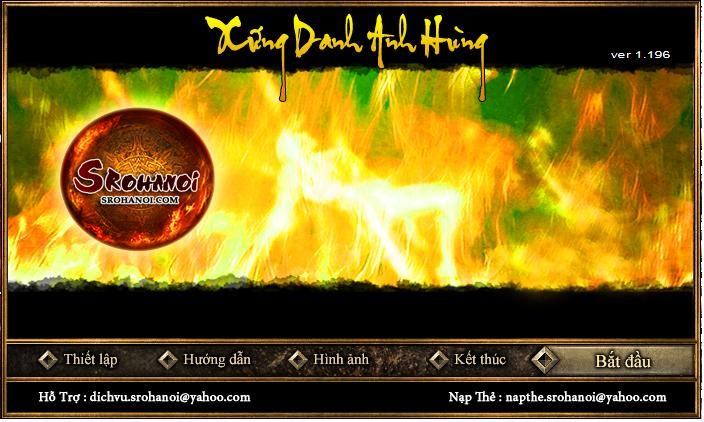
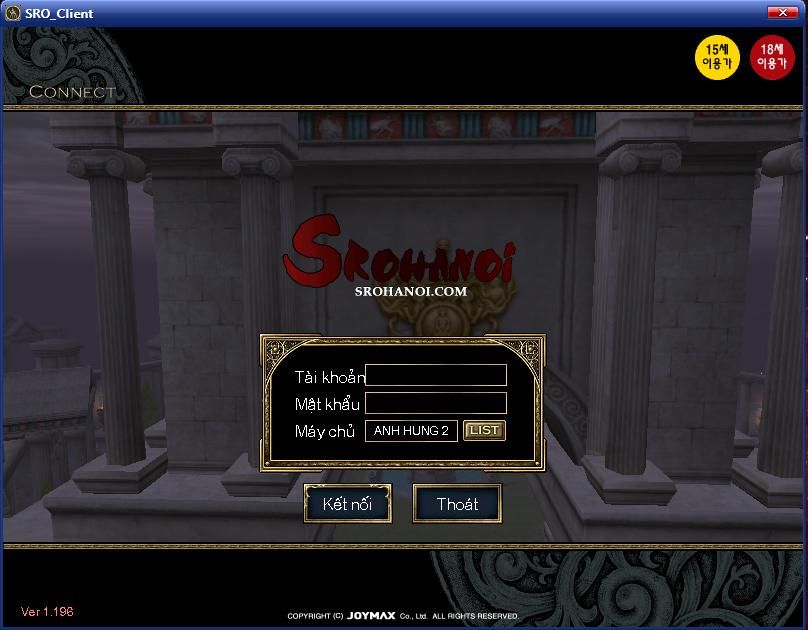
i want to change "srohanoi"
Image
Image

Who can help me? thank a lot

Re: [Help] How to change???

Posted: Thu Sep 20, 2012 9:23 am
by johndoan
some body help me

Re: [Help] How to change???

Posted: Thu Sep 20, 2012 1:52 pm
by omier
Hi WinRAR. These are in the Media.pk2.
The launcher background is located in Launcher Europe and named bg_4.dat and bg_5.dat. IrfanView can open .dat picture files and you can import the .bmp format pictures as .dat files into the pk2 with the pk2 tools by Drew that have manual import.
The login screen logo is in Interface>Outer and named logo.ddj and logo-big.ddj. Just use the Nvidia DDJ plugin for photoshop to save as .ddj, use the DDJ converter to convert to .ddj and import to the pk2(easiest with the pk2 tools by Joymax).

Re: [Help] How to change???

Posted: Sat Sep 22, 2012 4:13 am
by johndoan
Sanktum wrote:Hi WinRAR. These are in the Media.pk2.
The launcher background is located in Launcher Europe and named bg_4.dat and bg_5.dat. IrfanView can open .dat picture files and you can import the .bmp format pictures as .dat files into the pk2 with the pk2 tools by Drew that have manual import.
The login screen logo is in Interface>Outer and named logo.ddj and logo-big.ddj. Just use the Nvidia DDJ plugin for photoshop to save as .ddj, use the DDJ converter to convert to .ddj and import to the pk2(easiest with the pk2 tools by Joymax).


thank u so much :love: :love: :love: :love: :love: :love: