Dual screen help: icon displacement and flickering

Anything else. Post a funny site or tell us about yourself. Discuss current events or whatever else you want. Post off topic threads here.
Post Reply
User avatar
poehalcho
Elite Member
Posts: 6131
Joined: Mon Apr 30, 2007 3:32 pm
Quick Reply: Yes
Location: ┌(╬ಠ益ಠ)╯( ̄ー ̄)(ノ◕ヮ◕)ノ:・✧(╯°Д°)╯彡┻━┻ψ(`∇´)ψ(☞゚∀゚)☞¯\_(ツ)_/¯ლ(ಥ益ಥლ)ԅ༼ ◔ڡ◔༽งヽ༼ʘ̚ل͜ʘ̚༽ノᕕ(ᐛ)ᕗ( ͡° ͜ʖ ͡°)

Dual screen help: icon displacement and flickering

Post by poehalcho »

So I just installed a 2nd screen and I got a program that that allows me to lock my mouse into 1 monitor when I play games.
I'm not sure when exactly it happened, but my icons on the right side have been forced slightly to the left, creating an awkward gap on my desktop :[

Spoiler!


Does anyone know how to fix it?

Info:
Main monitor(right): 1600x900
Secondary monitor(left): 1280x1024
Both monitors set to 60Hz, 32bit color, Landscape mode
Graphics Card: HD5770 (1024MB (I think))
mouse program: MurGeeMon
Additional software: AMD Catalyst Control Center w/ Hydravision

EDIT:
I seem to have another problem... The 2nd screen keeps flickering for some reason. Like every few seconds it flickers a little. I think it may have something to do with the PC's processing :/. I feel like it does it more when It's more busy :S
___
this problem was cause by running a HD stream. turning the quality down fixed the flickering (and I turned of AMD overdrive as I read was suggested elsewhere). But it doesn't really seem right that a HD vid should cause flickering :S

EDITEDIT:
yet another one >.<
When I use my drawing pad, it's used to control both screens, so my drawing space is limited to only half of my pad D:. what do?
Image
Day[9] wrote:"Tea is a lot like gold expansions - it helps you kill people."
- Day[9] Daily 337 -

User avatar
Azilius
Senior Member
Posts: 4236
Joined: Tue Oct 31, 2006 9:39 pm
Location: CS:GO

Re: Dual screen help: icon displacement and flickering

Post by Azilius »

Do you need that program that is causing the problem? I have two monitors and I've never had to use one. I play a lot of games full screen and non full screen on single monitor with no issue.
ImageCrumpets for PresImage

User avatar
penfold1992
Senior Member
Posts: 4059
Joined: Sun Apr 22, 2007 9:48 am
Quick Reply: Yes
Location: Uranus

Re: Dual screen help: icon displacement and flickering

Post by penfold1992 »

do you really need all those games installed =S im sure u dont actively play all of dem gaemz
Image

User avatar
Mayumi
Valued Member
Posts: 483
Joined: Sat Oct 20, 2012 11:26 am
Quick Reply: Yes
Location: Myth Reborn

Re: Dual screen help: icon displacement and flickering

Post by Mayumi »

Seen this before and ended up uninstalling the driver to correct it.

1. Uninstall driver first.
2. unplug 2nd monitor (the flicker one)
3. reboot machine.
4. Reinstall drivers (latest drivers)
5. Then add 2nd monitor.

See how it goes from there..
Image


Assasin - Archer/Force - 120 - Ninjitsu


"In prosperity our friends know us; in adversity we know our friends"


"Adversity does teach who your real friends are"

User avatar
poehalcho
Elite Member
Posts: 6131
Joined: Mon Apr 30, 2007 3:32 pm
Quick Reply: Yes
Location: ┌(╬ಠ益ಠ)╯( ̄ー ̄)(ノ◕ヮ◕)ノ:・✧(╯°Д°)╯彡┻━┻ψ(`∇´)ψ(☞゚∀゚)☞¯\_(ツ)_/¯ლ(ಥ益ಥლ)ԅ༼ ◔ڡ◔༽งヽ༼ʘ̚ل͜ʘ̚༽ノᕕ(ᐛ)ᕗ( ͡° ͜ʖ ͡°)

Re: Dual screen help: icon displacement and flickering

Post by poehalcho »

Azilius wrote:Do you need that program that is causing the problem? I have two monitors and I've never had to use one. I play a lot of games full screen and non full screen on single monitor with no issue.


When I alt-tabbed out of Rayman Origins and then turned it back on my mouse would not stay locked in the game anymore. I suppose it doesn't matter for Rayman, but I'm sure there are other games where it may pose a problem. With that said I guess I can delete it for now, I'll get one when I come a cross a program where it really is a problem.

penfold1992 wrote:do you really need all those games installed =S im sure u dont actively play all of dem gaemz

I haven't finished a lot of them, so I'm not deleting them yet D:
Some are for keeps though.

Jimayumi wrote:Seen this before and ended up uninstalling the driver to correct it.

1. Uninstall driver first.
2. unplug 2nd monitor (the flicker one)
3. reboot machine.
4. Reinstall drivers (latest drivers)
5. Then add 2nd monitor.

See how it goes from there..


I'll try that in a bit.
Image
Day[9] wrote:"Tea is a lot like gold expansions - it helps you kill people."
- Day[9] Daily 337 -

User avatar
omier
Elite Member
Posts: 5985
Joined: Thu Aug 24, 2006 9:33 pm
Quick Reply: Yes
Location: ...

Re: Dual screen help: icon displacement and flickering

Post by omier »

penfold1992 wrote:do you really need all those games installed =S im sure u dont actively play all of dem gaemz

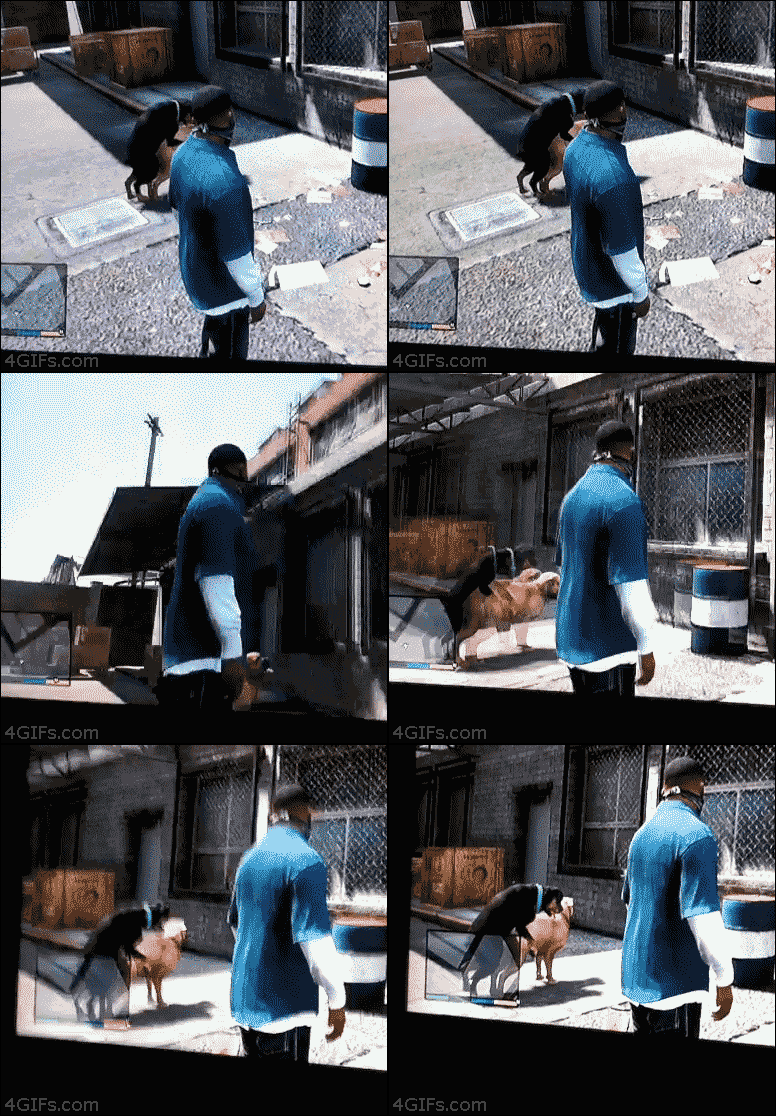
Everyone has to have GTA SA installed.
Image Image Image

User avatar
Bartic
Frequent Member
Posts: 1284
Joined: Sat Sep 01, 2012 10:45 pm
Quick Reply: Yes
Location: SuddenDeath

Re: Dual screen help: icon displacement and flickering

Post by Bartic »

Sanktum wrote:
penfold1992 wrote:do you really need all those games installed =S im sure u dont actively play all of dem gaemz

Everyone has to have GTA SA installed.


I don't have it. And probably won't install it.
Image
[SuddenDeath*PlsMeRectal]
TickleMeAnal

Image


Spoiler!

Post Reply

Return to “Off Topic Lounge”