Page 1 of 1
What is it with Wookie's and bright colours?
Posted: Thu Sep 27, 2007 7:35 pm
by Snudge
V1
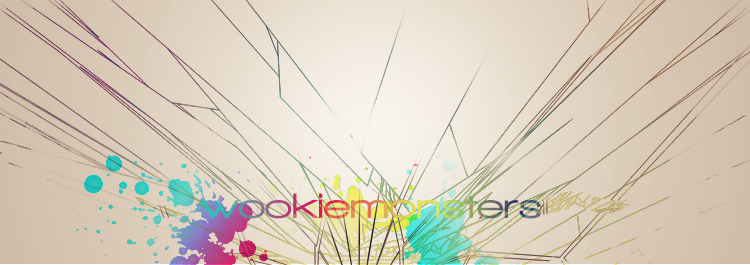
V2
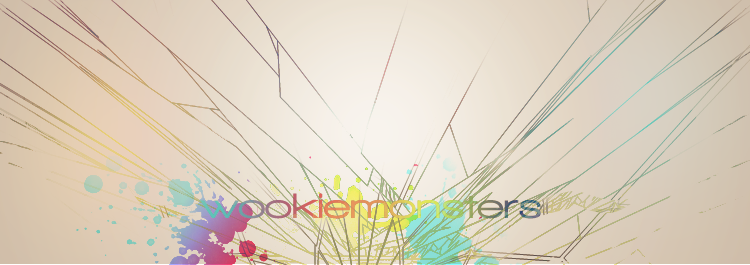
V3
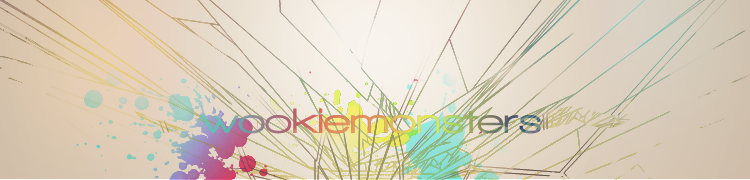
I started, and somehow managed to slightly copy reK's entry, and PsP BG along the process. XD Me likes though, me likes.
Posted: Thu Sep 27, 2007 7:40 pm
by Dead_Soul
this looks so cool *_*
Posted: Thu Sep 27, 2007 7:44 pm
by Panu
how do u do the wire frames

Posted: Thu Sep 27, 2007 7:46 pm
by Snudge
_Panu_ wrote:how do u do the wire frames
If you're extremely bored, pentool/line-tool. But you can also use Wireframe C4D's/Brushes.

Posted: Thu Sep 27, 2007 8:20 pm
by Panu
how did u make them colors on it?
Posted: Thu Sep 27, 2007 8:25 pm
by Snudge
_Panu_ wrote:how did u make them colors on it?
Secrets of the trade....

Ill give a small hint;
Take a black line(Multiple preferably, makes the effect easier to see), take a bright coloured brush(Soft Brush, size smaller then the line's length). Brush on a layer on top of the line, and play around with the layer styles of the brushing.
Posted: Thu Sep 27, 2007 8:34 pm
by dom
Less wireframe

reK killed any wireframe appeal that may have existed; for me anyways.
Posted: Thu Sep 27, 2007 8:47 pm
by Shadowman20818
Snudge wrote:_Panu_ wrote:how did u make them colors on it?
Secrets of the trade....
Ill give a small hint;
Take a black line(Multiple preferably, makes the effect easier to see), take a bright coloured brush(Soft Brush, size smaller then the line's length). Brush on a layer on top of the line, and play around with the layer styles of the brushing.
Rek's clipping mask guide.
Posted: Thu Sep 27, 2007 8:59 pm
by Rizla
dom wrote:Less wireframe
reK killed any wireframe appeal that may have existed; for me anyways.
++
Posted: Thu Sep 27, 2007 11:33 pm
by CrimsonNuker
Rizla wrote:dom wrote:Less wireframe
reK killed any wireframe appeal that may have existed; for me anyways.
++
++
MULTICOLOUR!
Pass gradients pl0x.
Posted: Fri Sep 28, 2007 3:28 am
by rek
Snudge wrote:_Panu_ wrote:how did u make them colors on it?
Secrets of the trade....
Ill give a small hint;
Take a black line(Multiple preferably, makes the effect easier to see), take a bright coloured brush(Soft Brush, size smaller then the line's length). Brush on a layer on top of the line, and play around with the layer styles of the brushing.
I make a new layer get a soft brush(not to big) like around 100 or sumfin. Set the layer to screen and brush over lines. But thats on a white bg

Posted: Fri Sep 28, 2007 3:26 pm
by rek
reK wrote:Snudge wrote:_Panu_ wrote:how did u make them colors on it?
Secrets of the trade....
Ill give a small hint;
Take a black line(Multiple preferably, makes the effect easier to see), take a bright coloured brush(Soft Brush, size smaller then the line's length). Brush on a layer on top of the line, and play around with the layer styles of the brushing.
I make a new layer get a soft brush(not to big) like around 100 or sumfin. Set the layer to screen and brush over lines. But thats on a white bg
Rizla wrote:dom wrote:Less wireframe
reK killed any wireframe appeal that may have existed; for me anyways.
++
That userbar ur using.. i put a wireframe in it. ~-^
Posted: Fri Sep 28, 2007 5:10 pm
by Rizla
reK wrote:
That userbar ur using.. i put a wireframe in it. ~-^
Congratulations