
So, I've donwload a tutorial version of Adobe PS5, and I'm doing something with it again, but I want to add at least one glowline in it.
The tut from deep.in doesn't work for some reason and I can't get further than making a line and letting it glow, but how do I bend it?
thnx in advance
Glow Lines Halp

-
Noobs_Slayer

- Frequent Member
- Posts: 1196
- Joined: Fri Jan 18, 2008 10:56 am
- Location: AioN
-
Mirosuke

- Forum Legend
- Posts: 6735
- Joined: Fri Aug 22, 2008 5:30 am
- Quick Reply: Yes
- Location: Love the way you are.
Re: Glow Lines Halp
ahm with paint? haha
dind't read L0L
dind't read L0L
( ๏̯͡ ๏ ) ~
Hwang Mi Hee(L)
あなたの運命を全うする


WE WANT [ TORCHLIGHT II], [TERA ONLINE], [BLADE&SOUL] AND... [DIABLO III].
~* Old Sigs *~
[x][x][x][x]
Hwang Mi Hee(L)
あなたの運命を全うする
WE WANT [ TORCHLIGHT II], [TERA ONLINE], [BLADE&SOUL] AND... [DIABLO III].
~* Old Sigs *~
[x][x][x][x]

Re: Glow Lines Halp
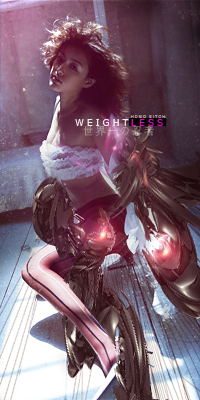
Thanks for the video dude. I just made some sick glowlines on some random google picture,using the "Round Lines" features makes it so much better. Now just gotta see how I can introduce them into sigs.

ExSoldier/Skyve/Loki
what is life even


Re: Glow Lines Halp
Doron wrote::D
You forgot to finish the bottom right part

ExSoldier/Skyve/Loki
what is life even
Re: Glow Lines Halp
Doron wrote:what do you mean? I like that it goes up in stead of down...
Huh? No I meant the end of the line at the bottom left dosn't go behind her leg(unless it was meant to be like that =D )
ExSoldier/Skyve/Loki
what is life even


