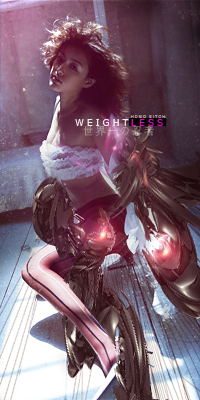
Digital art design, renderings, signatures and anything art related. Upload pictures of your newest work or ask for feedback. Post graphics requests or discuss art in general.
Sorry the song was too good for me to concentrate on the actual photoshopping =P
EDIT: Alright watched it,was wondering @38 seconds; Whats the point of Blurring but then Sharpening right after?o_O EDIT2: Also a some point you brushed 2 blue spots,and Im guessing you used Blending Options(Although you didnt right click the Layer-->Blending Options,so guessing you were using a shortcut) but was curious because usually Blending Option don't have any effect unless you duplicate the layer.(Like in your case you'd of need a Duplicate of the Layer with 2 blue spots).
ExSoldier wrote:Sorry the song was too good for me to concentrate on the actual photoshopping =P
EDIT: Alright watched it,was wondering @38 seconds; Whats the point of Blurring but then Sharpening right after?o_O EDIT2: Also a some point you brushed 2 blue spots,and Im guessing you used Blending Options(Although you didnt right click the Layer-->Blending Options,so guessing you were using a shortcut) but was curious because usually Blending Option don't have any effect unless you duplicate the layer.(Like in your case you'd of need a Duplicate of the Layer with 2 blue spots).
At 38 seconds I blurred so that the second face I made wasnt as clear to add a little depth but the I just erased over the main face.
At the blue spots part I just switched the layer mode to overlay. In order to do that without opening the blending options menu you just click the drop down menu at the top of the layers menu.
dom wrote:Very nice. May I ask where you got the stock?
Found it on deviant art.
Did you asked permision to use it?
Lol, first time I agree with Noobs. If it wasn't a stock (wasn't categoried under 'stocks' or whatever), you are not allowed to use it in your work unless you got permission. But that's a small concern, having AC being a small community. :d




 . The final result looks good.