Page 1 of 1
Need large in-game image
Posted: Sun Feb 15, 2009 9:51 pm
by Gul
Hey guys.
I'm looking for someone with a high end video card that can take an in-game screenshot that can be used as a background. Preferably something with a "dark" theme. My preference would be a large screenshot of one of the rooms in DW caves. I would do this myself, but I don't have Silkroad installed anymore.
This will eventually replace the current background image found here:
http://www.nivlam.com/test/The screenshot must be at least 1680 in width. I appreciate any help I can get.
Re: Need large in-game image
Posted: Sun Feb 15, 2009 11:25 pm
by Kraq
Most of us don't have Silkroad anymore (Artists), but if your lucky someone will pop up.
Re: Need large in-game image
Posted: Mon Feb 16, 2009 3:38 am
by AnarChaos
My screen res is 1680 x 1050 I may try it. But give more specific information please.
What do you want to see on the screen exactly ?
Re: Need large in-game image
Posted: Mon Feb 16, 2009 5:12 am
by Gul
The interior of DW caves (nachal room might be the best choice because of lighting). Stand a few feet away and point your camera at the wall.
Re: Need large in-game image
Posted: Mon Feb 16, 2009 7:43 am
by AnarChaos
I don't know if these are ok for you or not but here is the zip file:
http://www.easy-share.com/1903677464/nachalroom.zipIf these are not ok, give me some directions so i can have better ones.
Re: Need large in-game image
Posted: Mon Feb 16, 2009 12:46 pm
by rek
Why dont u just use a pic hosting site...?
Re: Need large in-game image
Posted: Mon Feb 16, 2009 4:11 pm
by AnarChaos
Because there are lots of pics. It is easy to zip and upload once.

Re: Need large in-game image
Posted: Tue Feb 17, 2009 12:29 am
by Gul
AnarChaos wrote:Because there are lots of pics. It is easy to zip and upload once.
Thanks AnarChaos.
That's something like what I'm looking for, but could you stand a little further back and turn off your emblem/guild and monster text? Try to have your character in the screenshot as little as possible.
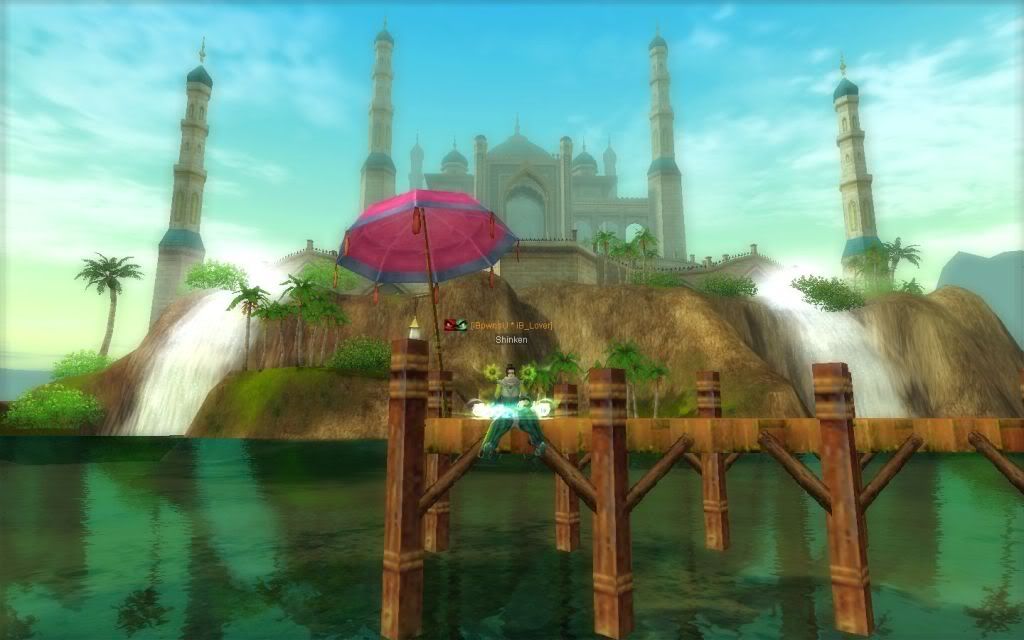
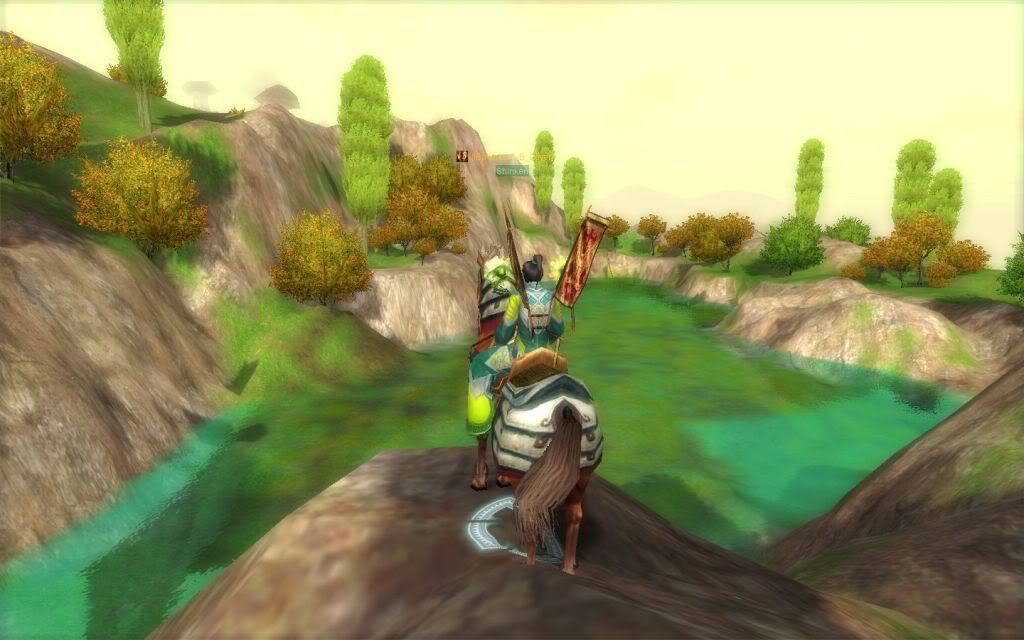
I'm looking for a "scenic" view of Silkroad. It doesn't necessary have to be inside the caves, but the screenshot needs to be dark. Taking a scenic screenshot during the night of whatever will work also. Here's a few examples what of I mean by scenic:
http://i244.photobucket.com/albums/gg7/ ... -53_38.jpgdownload/file.php?id=2528download/file.php?id=2536http://i244.photobucket.com/albums/gg7/ ... -44_27.jpghttp://img232.imageshack.us/img232/4185 ... 520mc6.jpghttp://i69.photobucket.com/albums/i78/P ... -49_76.jpghttp://img507.imageshack.us/img507/2949 ... 951kb5.jpgThat last one is an awesome screenshot, but it's too bright.
Re: Need large in-game image
Posted: Tue Feb 17, 2009 2:32 am
by AnarChaos
Gul wrote:That's something like what I'm looking for, but could you stand a little further back and turn off your emblem/guild and monster text? Try to have your character in the screenshot as little as possible.
When I lower the cam view it automatically zooms in and my char looks bigger. And when I get the cam view to a higher point the half of the screen consist of the floor and I cant view the whole wall. It does not look good either.
So I decided to make some shots at night with thief suit. It would be better idea if i am not in the cave as cave floor is light color and looks shitty.

Re: Need large in-game image
Posted: Sat Feb 21, 2009 1:35 am
by AnarChaos