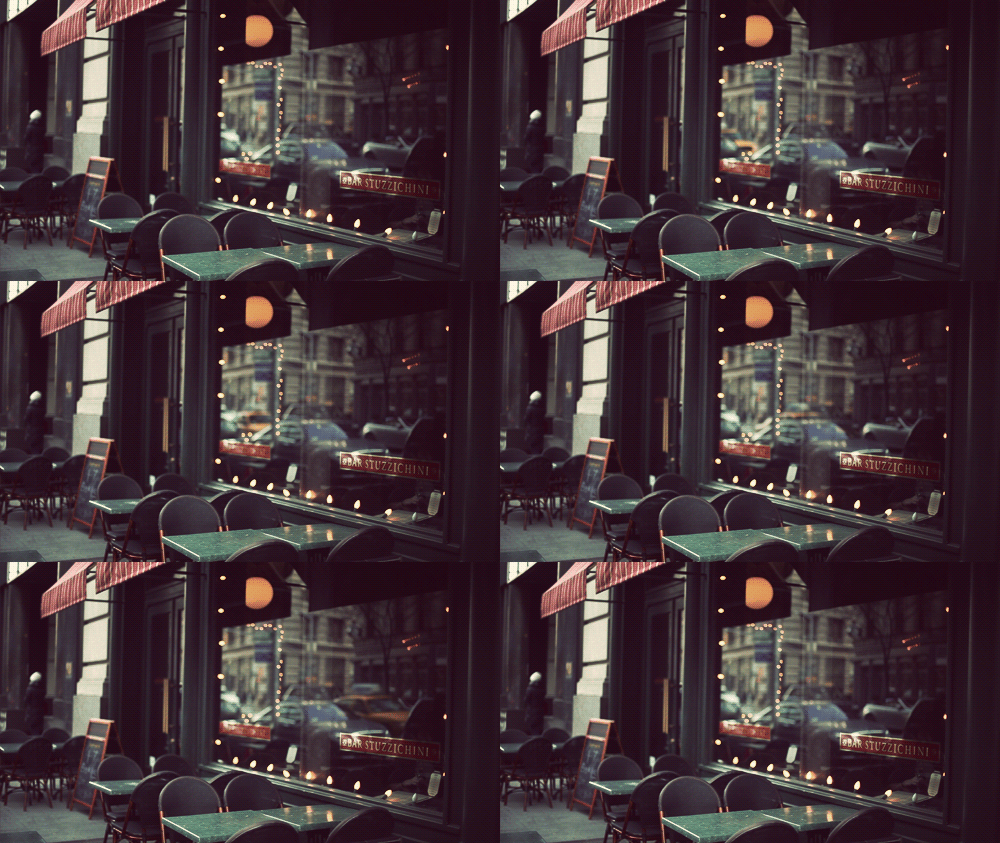
Color Fade In?

Digital art design, renderings, signatures and anything art related. Upload pictures of your newest work or ask for feedback. Post graphics requests or discuss art in general.
Post Reply
User avatar
Skyve
Forum Legend
Posts: 7320
Joined: Thu Apr 13, 2006 4:42 pm
Quick Reply: Yes
Location: Canada

Color Fade In?

Post by Skyve »

I saw this picture on my friends Facebook and was wondering how did the person "fade the color"? It seems like on the original picture,the person had a blue shirt. But then he somehow made it Black & White while keeping maybe 10% of the color. Even if it isn't Color Fading, can someone please tell me how to do this?

Blocked the face for privacy
If you look at the T-Shirt,he has some "blue light" on it.
Image

-Ex
Image

ExSoldier/Skyve/Loki

what is life even

User avatar
Thomas42
Active Member
Posts: 906
Joined: Wed Jun 18, 2008 6:30 am
Quick Reply: Yes
Location: Budapest, Hungary

Re: Color Fade In?

Post by Thomas42 »

a)
Select the area you want to tamper with
Press ctrl+U
Play a bit with the saturation bar (lower=less color, higher=more)

b)
Get the sponge tool (right click on dodge/burn tool)
Set strength and stuff as you see fit
Brush over area you want desaturated
Image
The best way out - is through.

User avatar
Melez
Veteran Member
Posts: 3009
Joined: Thu Jul 10, 2008 10:22 am
Location: лол шта
Contact:

Re: Color Fade In?

Post by Melez »

He desaturated the whole pic, then on a new layer brushed places with a blue brush and set the layer to color/hue
Image

User avatar
asusi
Veteran Member
Posts: 3223
Joined: Tue Jul 08, 2008 7:04 pm
Quick Reply: Yes
Location: Off topic
Contact:

Re: Color Fade In?

Post by asusi »

Image
come on,,, don't be ashamed :P
Spoiler!

User avatar
Deadsolid
Loyal Member
Posts: 1789
Joined: Sun Dec 02, 2007 8:45 pm
Quick Reply: Yes
Location: Artist Corner
Contact:

Re: Color Fade In?

Post by Deadsolid »

Easy.

Duplicate the layer. Desaturate the bottom layer. Mess with the opacity on the top layer. Maybe 10-15%

Image

User avatar
CrimsonNuker
Dom's Slut
Posts: 13791
Joined: Sun Aug 06, 2006 3:31 am
Quick Reply: Yes
Location: guildwars2

Re: Color Fade In?

Post by CrimsonNuker »

Deadsolid wrote:Easy.

Duplicate the layer. Desaturate the bottom layer. Mess with the opacity on the top layer. Maybe 10-15%



Would that not also reveal the other colors in the picture also? Unless he's not trying to replicate the effect in the picture hes shown :\
ImageImageImage

User avatar
dom
Global Moderator
Global Moderator
Posts: 9962
Joined: Wed Mar 08, 2006 10:46 pm
Quick Reply: Yes
Location: västkustskt

Re: Color Fade In?

Post by dom »

Bad example (hard to do on hair)

But I think this is the technique used. I only did the highlights blue... Looks like different shades of blue on the highlights and shadows.

Image
Image

User avatar
Skyve
Forum Legend
Posts: 7320
Joined: Thu Apr 13, 2006 4:42 pm
Quick Reply: Yes
Location: Canada

Re: Color Fade In?

Post by Skyve »

Yeah Deadsolid's & Thomas42 technique didn't work for me =( How did you do it dom?
Image

ExSoldier/Skyve/Loki

what is life even

User avatar
dom
Global Moderator
Global Moderator
Posts: 9962
Joined: Wed Mar 08, 2006 10:46 pm
Quick Reply: Yes
Location: västkustskt

Re: Color Fade In?

Post by dom »

step by step:

Spoiler!
Image

User avatar
Skyve
Forum Legend
Posts: 7320
Joined: Thu Apr 13, 2006 4:42 pm
Quick Reply: Yes
Location: Canada

Re: Color Fade In?

Post by Skyve »

... I meant the commands. :P
Image

ExSoldier/Skyve/Loki

what is life even

Post Reply

Return to “Artists Corner”