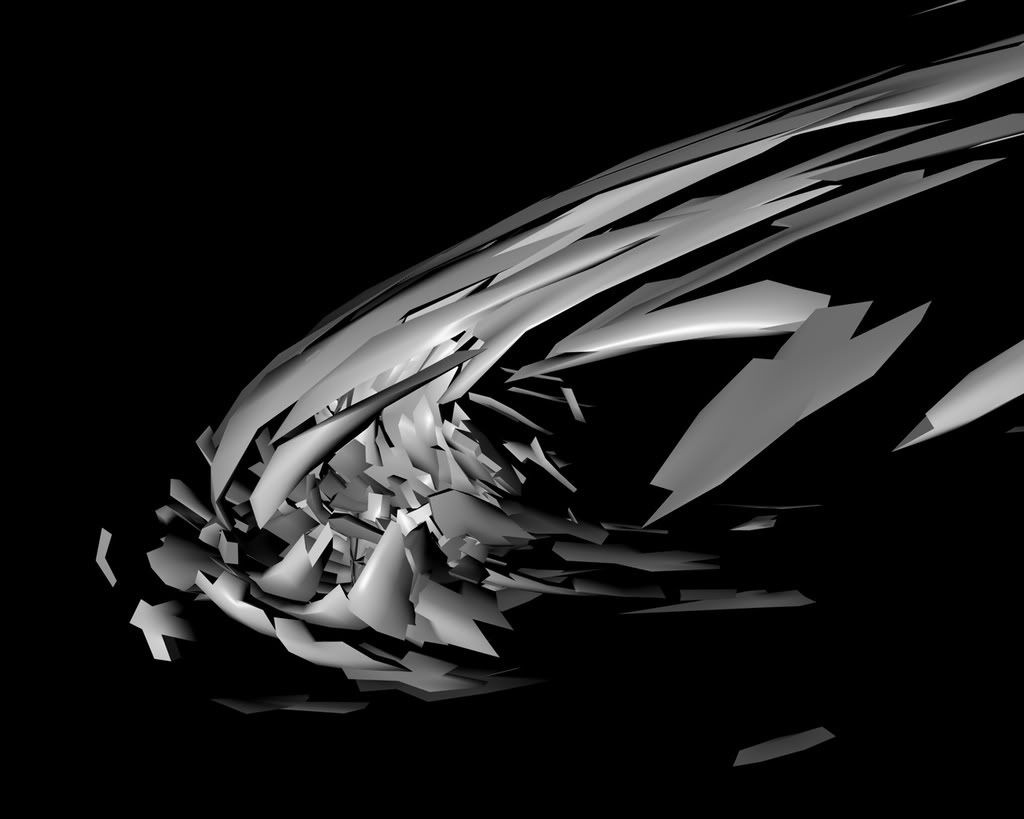
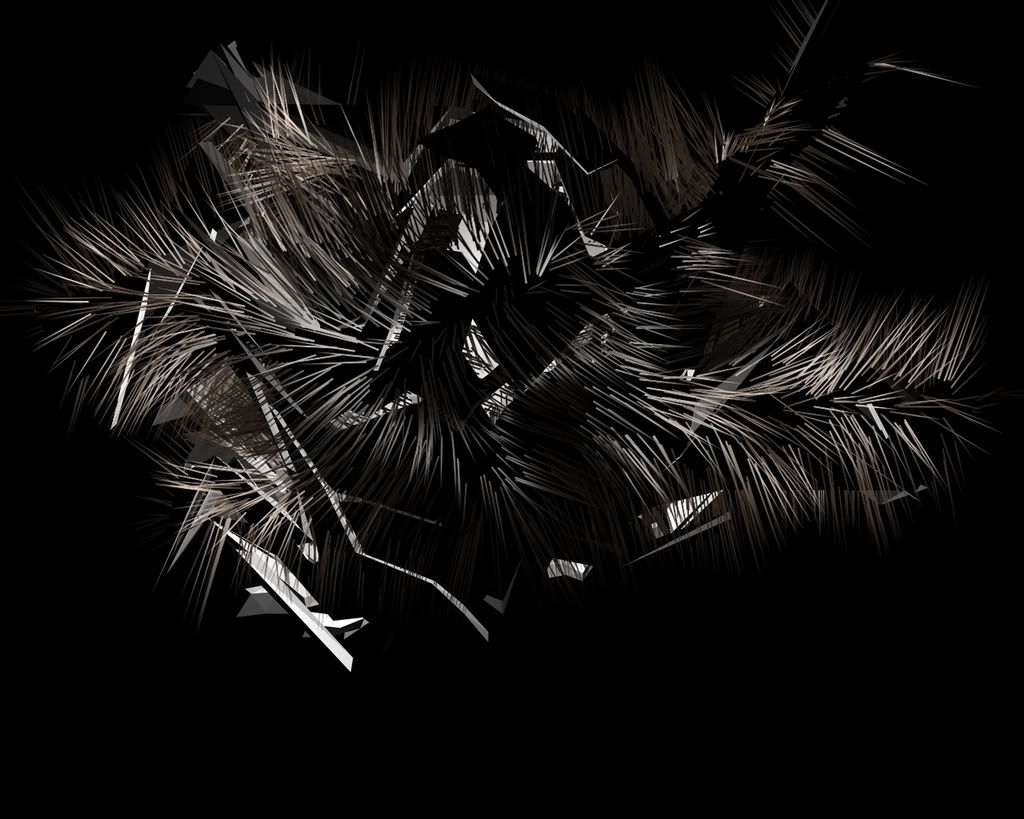
my first c4d

Digital art design, renderings, signatures and anything art related. Upload pictures of your newest work or ask for feedback. Post graphics requests or discuss art in general.
Post Reply
User avatar
hemagoku
Addicted Member
Posts: 2720
Joined: Sun Apr 29, 2007 11:42 pm
Quick Reply: Yes
Location: Artist Corner

my first c4d

Post by hemagoku »

Image
Image


if u use it please tell me
Last edited by hemagoku on Wed Apr 02, 2008 5:02 pm, edited 2 times in total.

User avatar
Hostage
Veteran Member
Posts: 3119
Joined: Thu Jan 25, 2007 8:34 pm
Quick Reply: Yes
Location: Canada,On

Re: my first c4d

Post by Hostage »

It seems to lacking a bit of depth but it's definitely got a cool/ unique shape. I'll use it in a piece and post an outcome for you.^^

User avatar
Millenium
Ex-Staff
Posts: 2732
Joined: Tue Oct 24, 2006 6:36 pm
Quick Reply: Yes
Location: Waterloo
Contact:

Re: my first c4d

Post by Millenium »

Lovely job ^^ finally some1 on SRF has tried something unique. My poor computer can't handle 3D graphics, have you tried applying some materials on it?
DID YOU KNOW? Milly has retired!!!!


Status: Into Minecraft

ImageImage

User avatar
hemagoku
Addicted Member
Posts: 2720
Joined: Sun Apr 29, 2007 11:42 pm
Quick Reply: Yes
Location: Artist Corner

Re: my first c4d

Post by hemagoku »

not really i just got the program still trying stuff
edit added a new one

User avatar
aazumak
Active Member
Posts: 918
Joined: Sat Jun 09, 2007 12:56 pm
Quick Reply: Yes
Location: Artist Corner
Contact:

Re: my first c4d

Post by aazumak »

dude! add materials!
Image
Image
_____________________!!!!!!Rogue 7X !!!!!!
Image

User avatar
hemagoku
Addicted Member
Posts: 2720
Joined: Sun Apr 29, 2007 11:42 pm
Quick Reply: Yes
Location: Artist Corner

Re: my first c4d

Post by hemagoku »

aazumak wrote:dude! add materials!

tell me how

User avatar
BrokenSaint
Veteran Member
Posts: 3473
Joined: Sun Jan 01, 2006 8:49 pm
Quick Reply: Yes
Location: Stuntin'.
Contact:

Re: my first c4d

Post by BrokenSaint »

it depends on what program you're using. Right now I work with Cinema4D and 3DS Max. But yeah, add some mats to it.

User avatar
hemagoku
Addicted Member
Posts: 2720
Joined: Sun Apr 29, 2007 11:42 pm
Quick Reply: Yes
Location: Artist Corner

Re: my first c4d

Post by hemagoku »

i am using cinema 4d ,can u tell me how to add stuff to it ?

User avatar
BrokenSaint
Veteran Member
Posts: 3473
Joined: Sun Jan 01, 2006 8:49 pm
Quick Reply: Yes
Location: Stuntin'.
Contact:

Re: my first c4d

Post by BrokenSaint »

there should be a material panel at the bottom. click file->new material, create ur mat, then when your done, drag that new material to the object you'd like to be matted.

example, if there's a text you like to be green, drag the material over the the extrude nurbs.

try learning some of the basics before you jump to fractals. good job though on the c4d. :)

Post Reply

Return to “Artists Corner”